
-
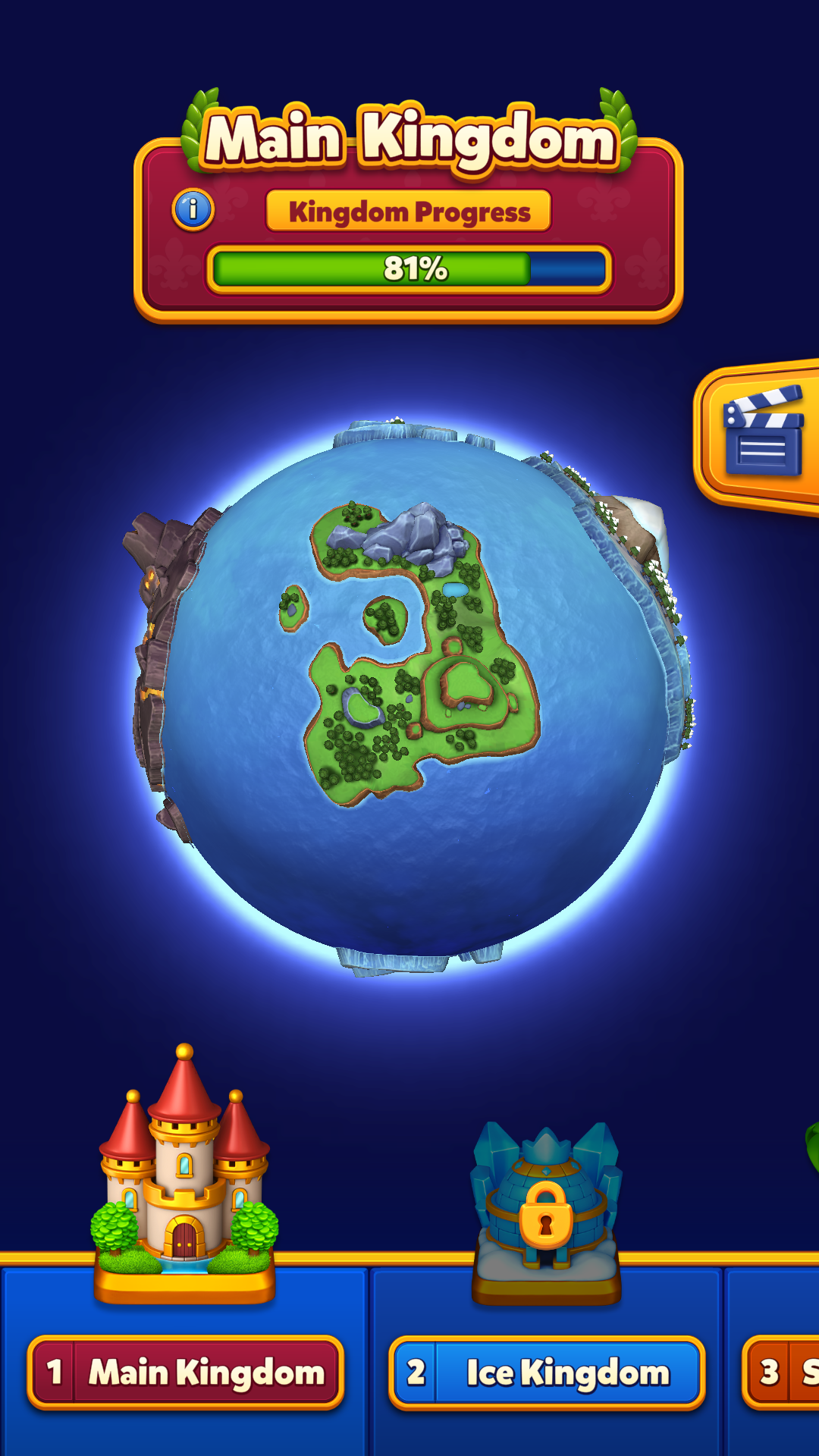
The "World Map" lets you;
- Track your progress in your current kingdom
- Visit previous kingdoms
- View the next kingdoms
- Watch episodes
-
You can tap the "World" icon on the home screen to open the World Map.

-
You can visit the kingdoms you have completed from the World Map by following the steps below:
- Tap the "World" icon in the bottom left side of the home screen
- Tap the kingdom you want to visit on the globe or its icon from the bottom navigation bar
- Tap the "Visit" button
- If you are in the Champions Arena, tap the "Kingdom" icon on the home screen to return to the Kingdom and see the "World" icon.