

-
You can share your User ID with your friends so they can send you a friend request. You can find your user ID by following the steps below:
-
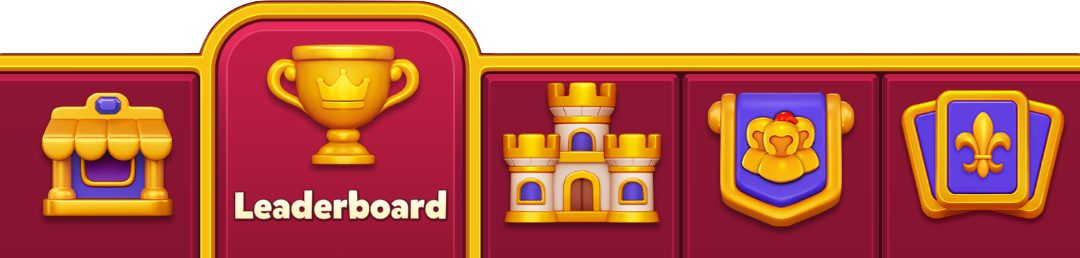
Tap the "Leaderboard" tab in the bottom navigation bar
- Tap the "Friends" tab
-
Tap the "Add Friends" tab
- If you see suggested friends in the list after tapping "Add Friends", tap the "Find Friends" button to see your User ID.
-
Your user ID will be visible there
- You can tap the orange "Copy" button to copy your user ID.
-
Tap the "Leaderboard" tab in the bottom navigation bar
-
You can also tap the "Invite Friends" button to share your Royal Kingdom game profile link with other players to add them as friends in the game.
- When your friends tap the link, you don't receive a friend request. You immediately become friends with everyone who taps on the link.
- If they don't tap the link, you don't become friends in the game.