
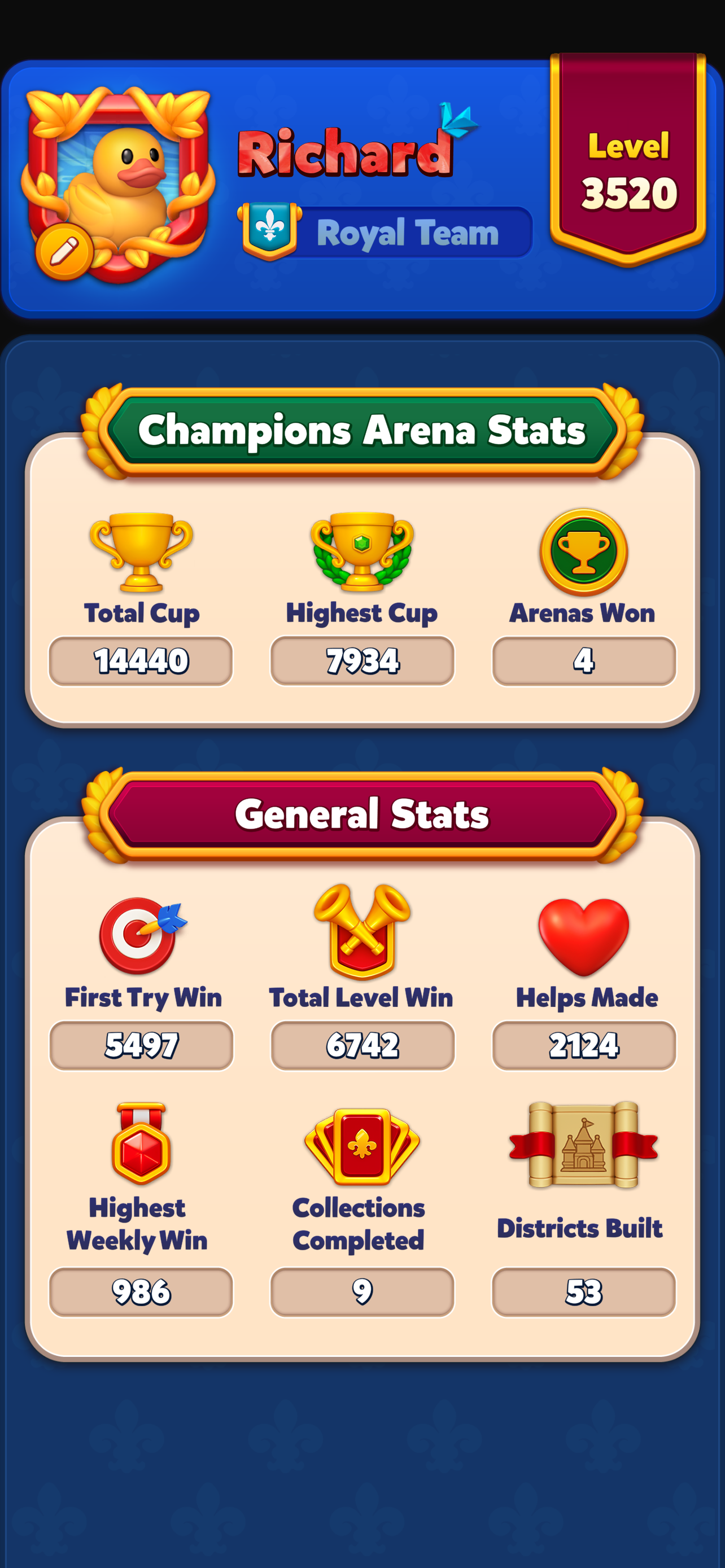
- The "Profile" feature lets you view player profiles and customize your username, team name, level, cups, frame, token, avatar, and stats.
- You can view your profile by tapping your avatar in the top-left corner of the home screen.
-
To edit your profile, tap the pencil button next to your avatar to customize your appearance in the profile, leaderboard, team, and event screens.

- You can see other players' profiles by tapping their player cards.