
-
Your game progress is automatically saved to your device when you are connected to the internet. If you reinstall the game on the same device, you can continue where you left off.
- If you signed in with a Facebook or Google account before, you may need to sign in with the same account in the game to load your game progress after reinstalling.
-
If you sign in with your Facebook or Google account in the game, your progress will be saved through those accounts.
- If you change or lose your device, you can get your progress back by signing in with the same Facebook or Google account.
-
You can sign in to save your game progress by following the steps below:
- Tap the "Settings" button in the top-right corner of the home screen
-
Tap the "Save your progress" button
-
Select one of the options to save your game progress
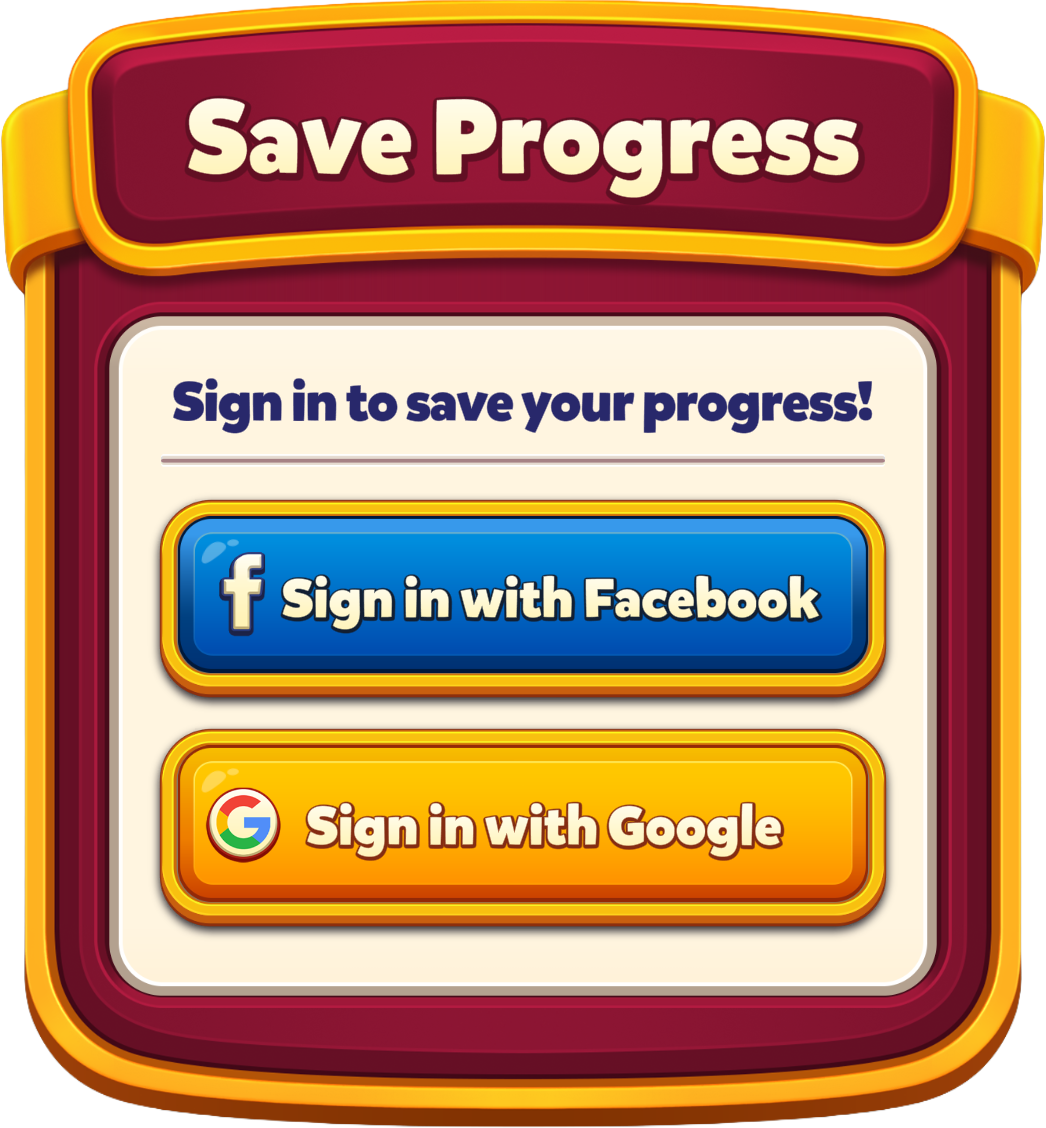
Note: If your game progress was previously saved to a Facebook or Google account, signing in with that account will automatically load that save. To save a different game progress, you must sign out and use an account that wasn't linked to Royal Kingdom before.