
- You can purchase coins, bundles or offers from the Shop or the home screen.
- You can also purchase coins, bundles, or offers when you fail to beat a level.
- There are two ways to open the Shop:
- Tap the "Coins" on the right side of your avatar on the home screen.
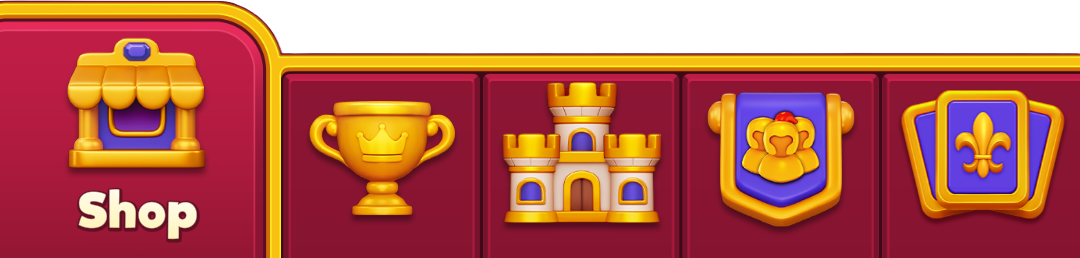
- Tap the "Shop" tab in the bottom navigation bar.
- Tap the "Coins" on the right side of your avatar on the home screen.
- When you select coins, offers, or bundles in the Shop or home screen, you will need to confirm your payment via Apple or Google's payment system.
- You will receive the package content after Google or Apple confirms your payment.
- If there is a delay in Apple's or Google's confirmation, you may receive the package contents with a delay.
If you experience any issues with a purchase, you can always contact us by tapping the "Contact Us" button in the top-right corner or in the bottom of this screen. We are here to help!