
- If you want to transfer your game progress to another device, you need to save your game progress first.
-
You can save your game progress by following the steps below:
- Tap the "Settings" button in the top-right corner of the home screen
-
Tap the "Save your progress" button

-
Select one of the options to save your game progress
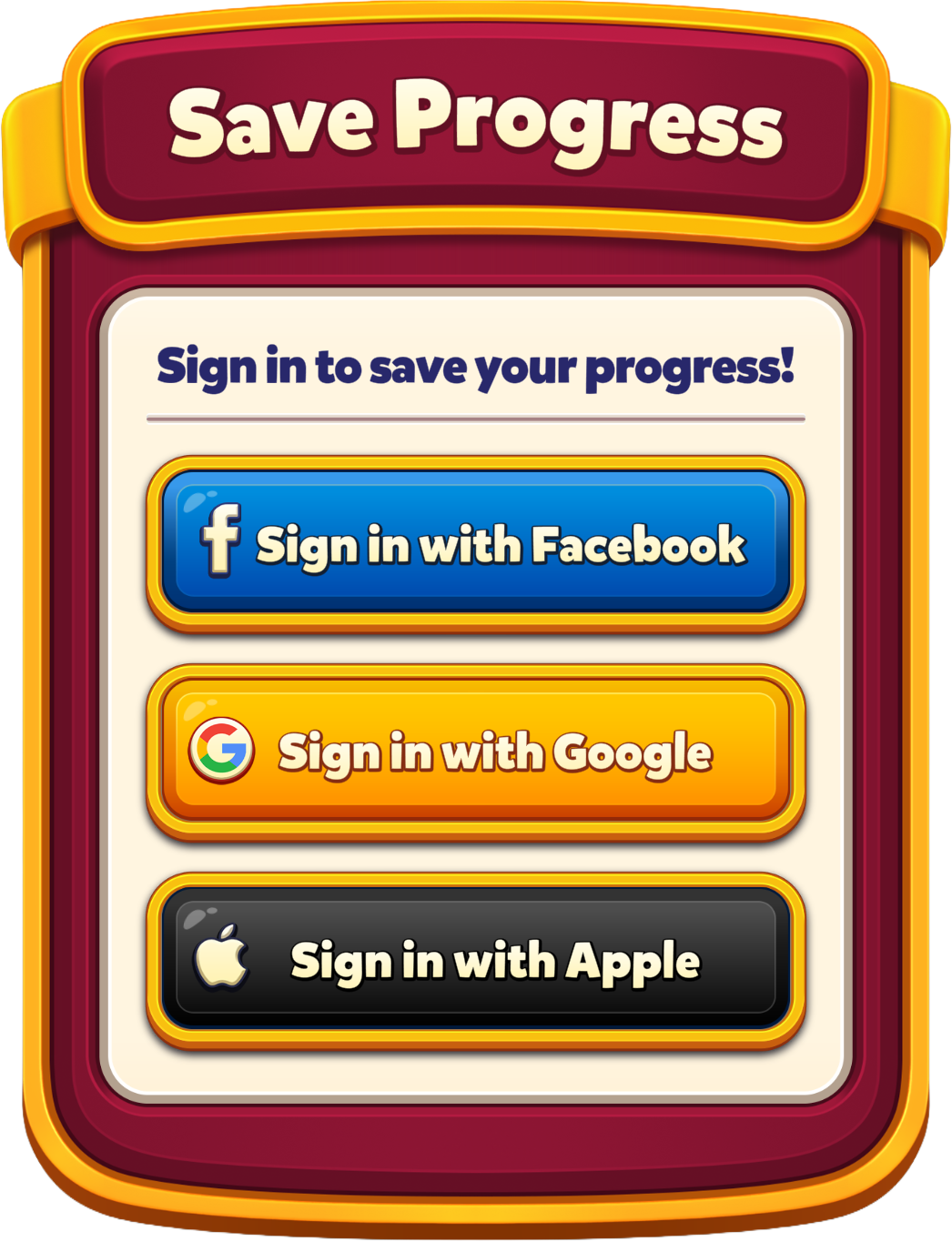
- After saving your game progress, you can follow the same steps above to sign in with the same account in the game on your other device to transfer your game progress.
Transferring Game Progress
Last Updated: 22d