
Lost game progress after changing devices
- If you signed in with a Facebook or Google account in Royal Kingdom on your previous device, you can sign in with the same account in the game on your current device to restore your game progress.
-
You can sign in with a Facebook or Google account by following the steps below:
- Tap the "Settings" button in the top-right corner of the home screen
-
Tap the "Save your progress" button
-
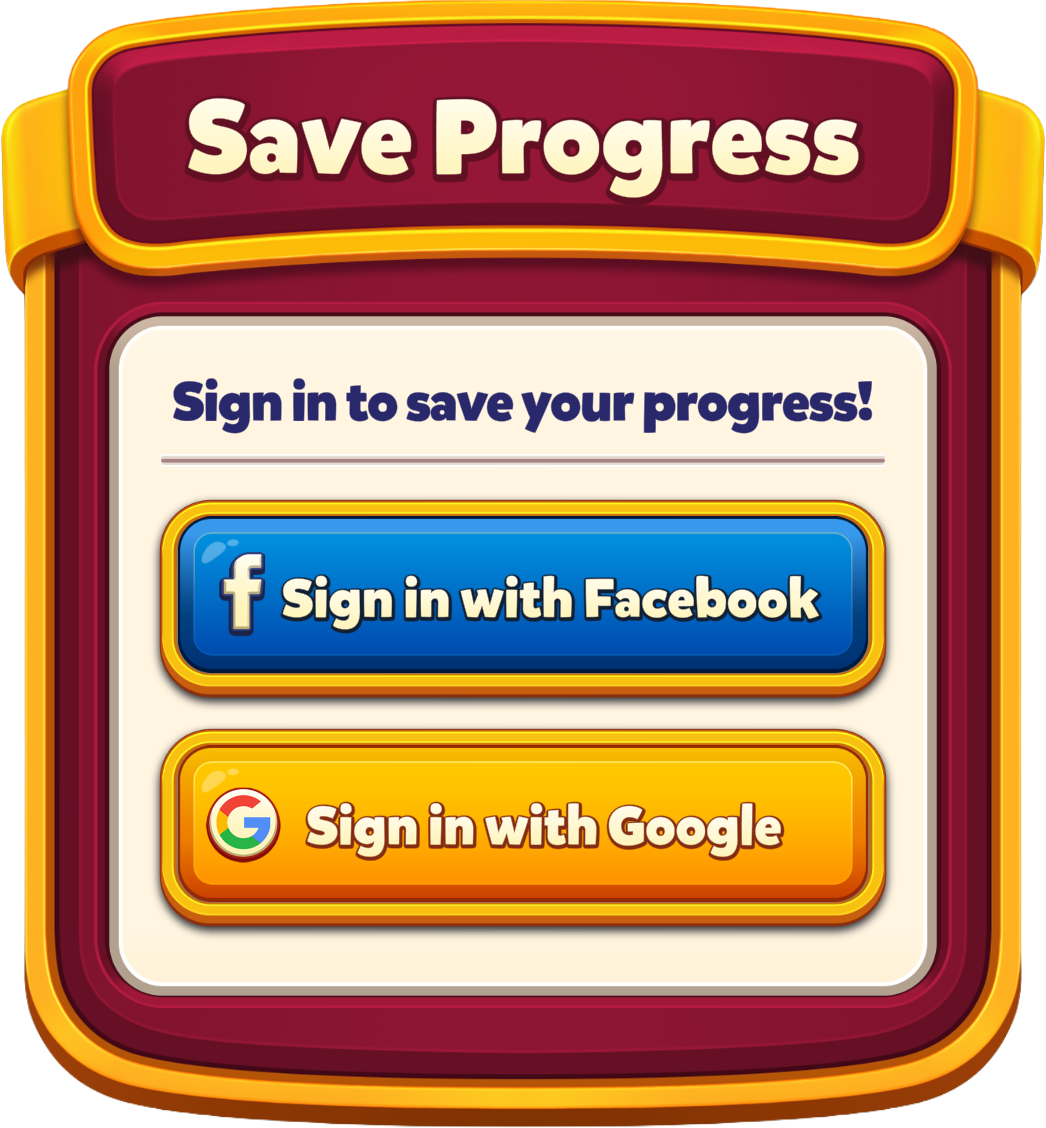
Tap the "Sign in with Facebook" or "Sign in with Google" button
-
If you did not sign in before but still have access to your previous device, open the game on that device, go to Settings, and choose one of the sign in options.
- Signing in with one of the options will save your game progress to that Google or Facebook account.
- Then, sign in with the same Google or Facebook account on your current device to access your game progress.
Lost game progress without changing devices
- If you signed in to Royal Kingdom with a Facebook or Google account earlier, you can sign in to the game with the same account to restore your game progress.
-
You can sign in with a Facebook or Google account by following the steps below:
- Tap the "Settings" button in the top-right corner of the home screen
- Tap the "Save your progress" button
- Tap the "Sign in with Facebook" or "Sign in with Google" button
If you still need assistance restoring your game progress after following the steps above, please feel free to contact us at any time. We are here to help!